

Color Palette Extractor
Extract dominant colors from any image as hex, RGB, and HSL values.
Drop an image here
or click to browse — JPG, PNG, WebP, GIF
Brand consistency starts with color. When your packaging, social posts, and website use the same palette, customers recognize your brand faster and trust it more. Extracting the exact hex codes from your product photos or logo gives you a reliable starting point for a consistent visual identity across every channel.
Upload any image and this tool identifies the most dominant colors using k-means clustering on the pixel data. Copy hex, RGB, or HSL values directly into your Shopify theme color settings or your design files. No upload, no account, no fees, everything runs in your browser.
For Shopify merchants building a branded unboxing experience, HypeQR lets you print QR codes that match your brand colors and link to any destination. Update where the code points anytime without reprinting, and track which customers actually scan.
Frequently Asked Questions
Yes. 100% free, no account required, and your image never leaves your device — all processing happens in your browser.
No. Everything runs in your browser using the Canvas API. Your image never leaves your device.
Yes. Upload your product photo or logo, extract the dominant colors, then paste those hex codes into your Shopify theme color settings to keep your brand consistent.
The tool uses a k-means clustering algorithm on the image pixel data to group similar colors and pick the most representative color from each group.
The tool extracts up to 8 dominant colors per image. Click any swatch to copy the hex, RGB, or HSL value.
Related articles
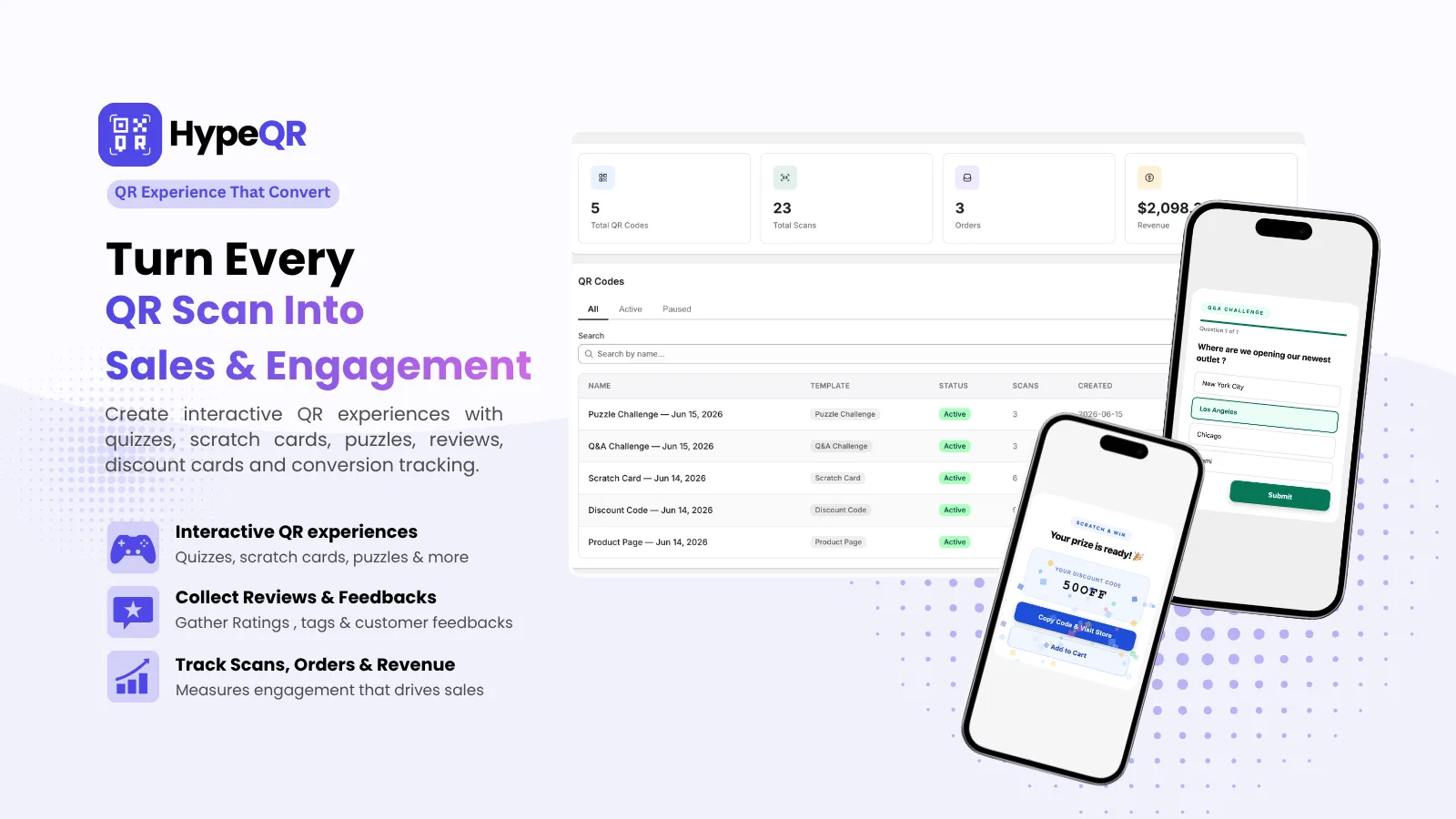
HypeQR: Dynamic QR Codes with Scan Analytics
Track every scan, update the destination without reprinting. Dynamic QR codes for Shopify merchants.
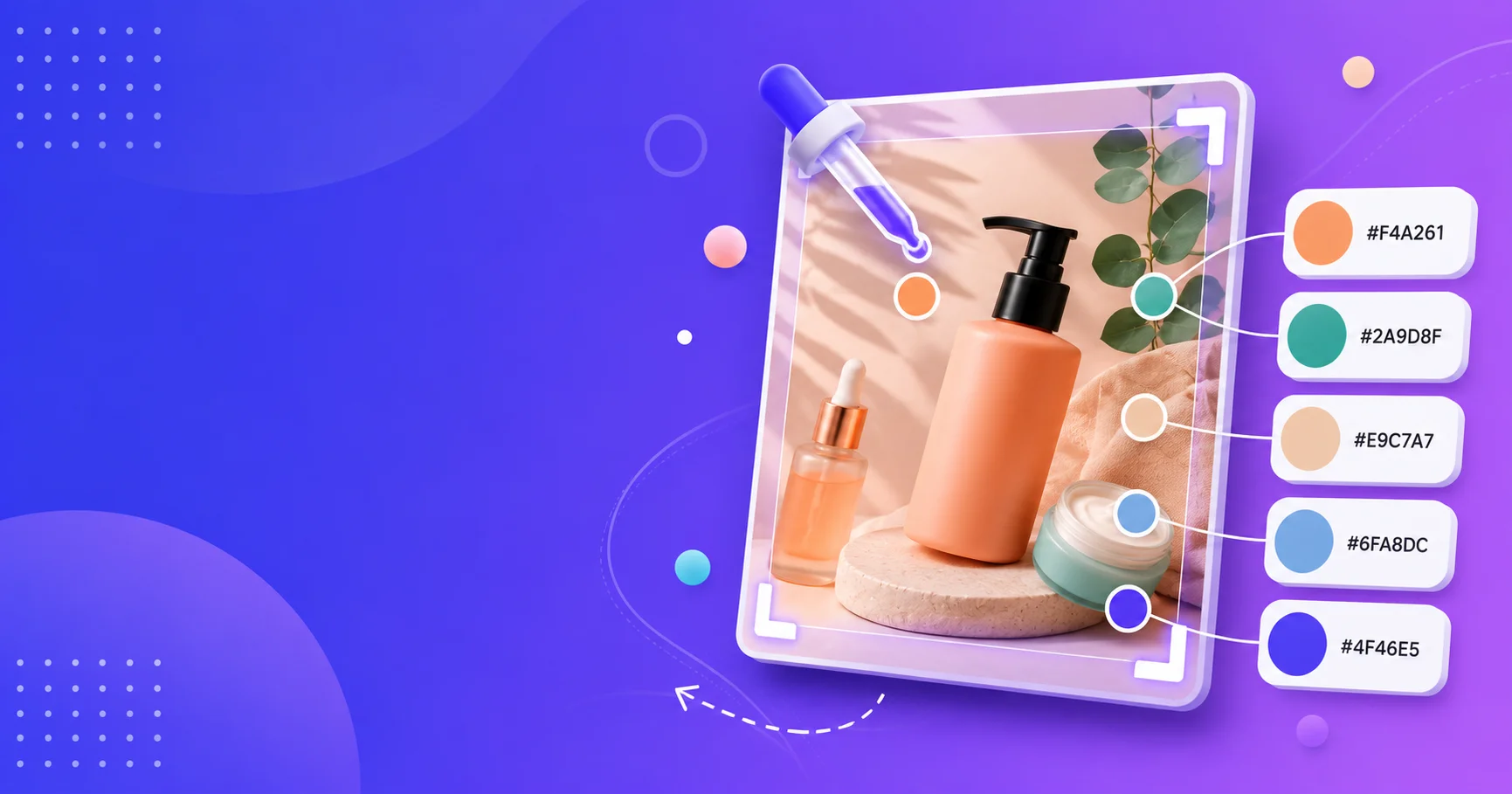
Color Palette Extractor
Upload any image and extract the dominant colors as hex, RGB, and HSL values. Perfect for matching brand colors from product photos. No account, no upload, free forever.
Best Free AI Tools for Shopify Marketing in 2026
The best free AI tools for Shopify marketing, organized by use case. Build a complete $0 marketing stack that covers copy, email, social, and analytics.