
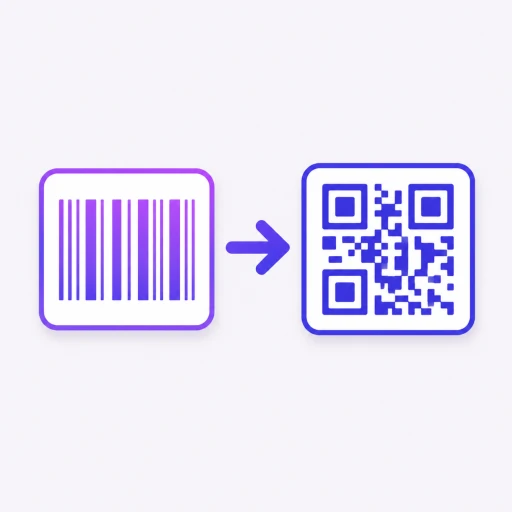
Barcode to QR Code Converter
Convert any barcode image to a QR code in seconds, ready for GS1 Sunrise 2027.
Click or drag a barcode image here
PNG, JPG, GIF, WebP supported
QR Preview
Upload a barcode to see the QR here
Want custom colours & frames?
Use the full QR Code Generator →
What is GS1 Sunrise 2027?
GS1 Sunrise 2027 is a global retail deadline. From 1 January 2027, every point-of-sale system worldwide must be able to scan QR codes at checkout alongside traditional EAN and UPC barcodes. Brands can then replace the printed barcode on packaging with a QR code that links directly to product information, expiry dates, and more.
If you sell physical products, this tool helps you convert existing barcode data into a QR code you can test and download today. For Shopify merchants who need dynamic, trackable QR codes on packaging and marketing materials, see HypeQR for Shopify.
Traditional barcodes were designed for laser scanners in warehouses and checkout counters. QR codes work with standard smartphone cameras, which means customers can scan them without any special hardware. GS1 Sunrise 2027 is pushing most retailers to require 2D codes on products, so converting your existing barcodes now is a practical step toward that transition.
This tool reads the product number from your barcode image and generates a QR code with the same data. Upload any EAN, UPC, Code 128, or other common barcode format and the conversion happens instantly in your browser. No server upload, no account, no fees — download the result as PNG and drop it into your label design.
For Shopify merchants who want more from their product QR codes, HypeQR makes codes dynamic. Point the same printed code at a product page, a discount offer, or a review request, change the destination anytime, and track exactly how many customers scan each product.
Frequently Asked Questions
Yes. Upload a barcode image and instantly generate a QR code containing the same product number.
Yes. QR codes store more data than traditional barcodes and are the future standard for product identification, including GS1 Sunrise 2027.
No. The QR code contains the exact same product number found in the original barcode.
No. Barcode scanning happens entirely in your browser and your image never leaves your device.
QR codes work with standard smartphone cameras, store more data, and can link customers directly to product pages, promotions, or review requests.
Related articles
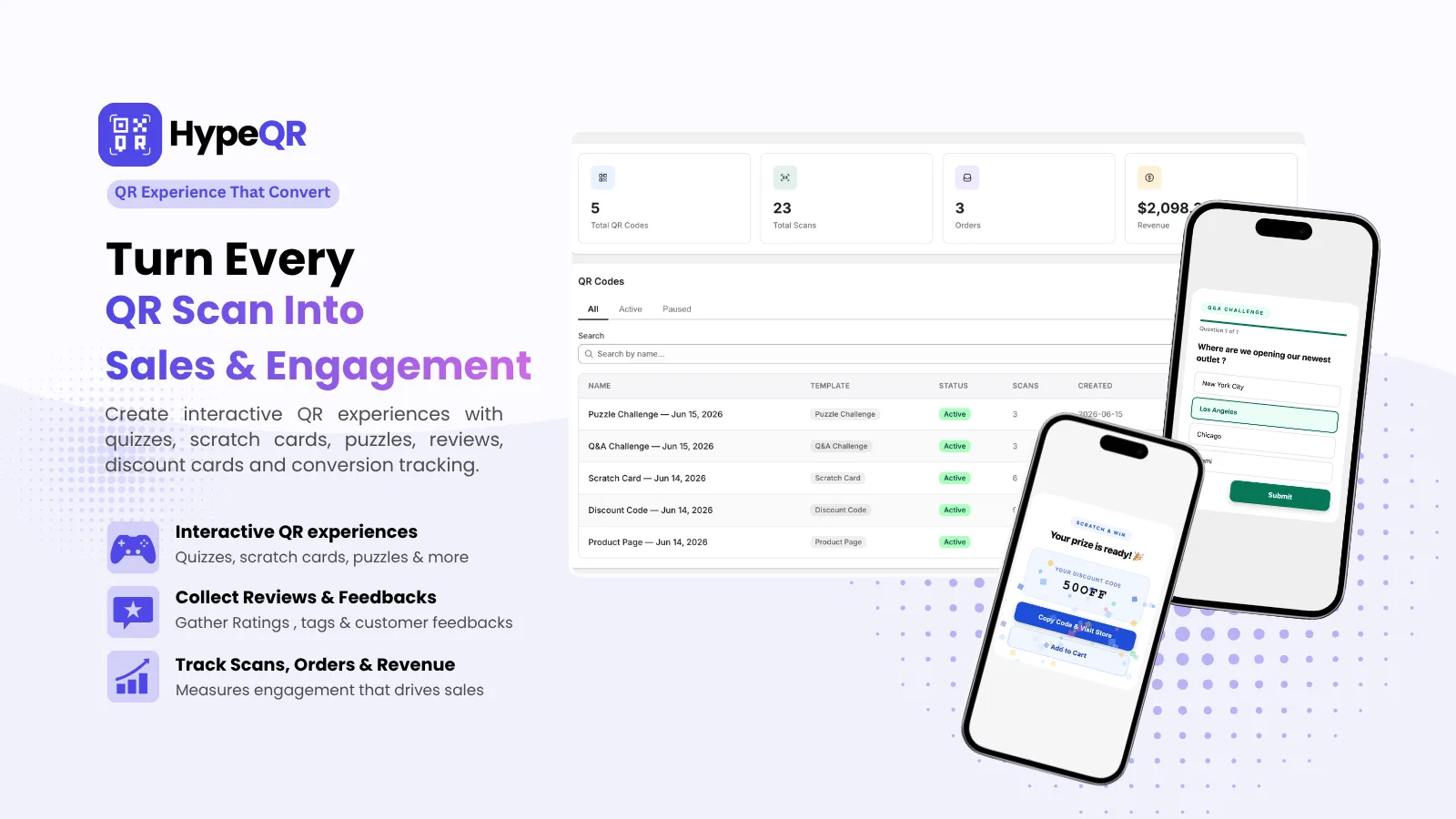
HypeQR: Dynamic QR Codes with Scan Analytics
Track every scan, update the destination without reprinting. Dynamic QR codes for Shopify merchants.
Barcode to QR Code Converter
Upload any barcode image and convert it to a QR code instantly. Ready for GS1 Sunrise 2027. No server upload.
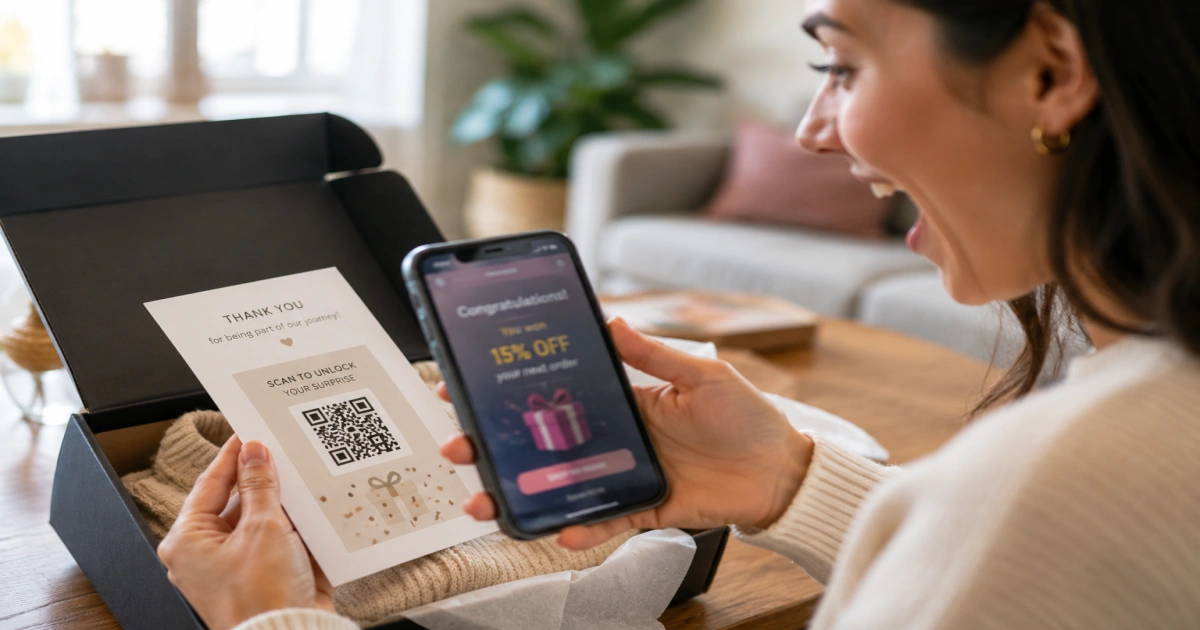
Interactive QR Codes on Packaging: Turn Unboxing Into Sales
Interactive QR codes on product packaging turn every unboxing into a sale. Scratch cards, countdown timers, and scan limits for Shopify stores.