
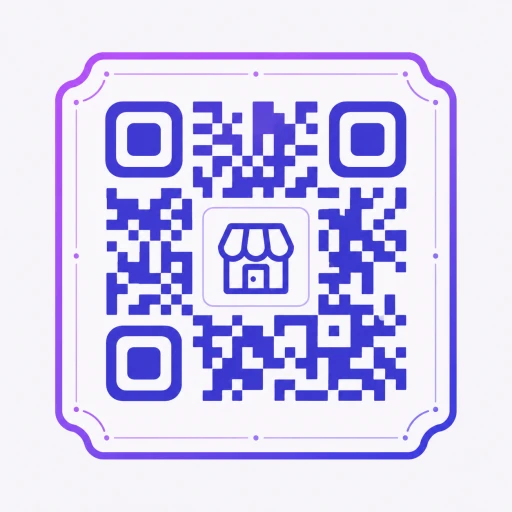
Free QR Code Generator
Create custom QR codes with frames for any business or product.
QR Type
Content
Preview
QR codes let customers reach any destination instantly from printed packaging, inserts, or signage. A single scan from a phone camera opens a website, starts a download, shows a menu, or collects a review without typing a URL. For Shopify merchants, a QR code on a thank you card or package insert is one of the simplest ways to turn a one-time buyer into a repeat customer.
This generator runs entirely in your browser so your data never touches a server. Create as many codes as you need, apply your brand colors, download as PNG, and send to print. The static QR code never expires and can be scanned unlimited times at no cost.
For merchants who want to update the destination after printing or track how many customers scan each code, HypeQR adds dynamic QR codes to Shopify. Change the link, run gamified campaigns, collect reviews, and see exactly which prints are driving revenue.
Frequently Asked Questions
Yes. Create unlimited QR codes for free with no account, watermark, or hidden fees.
Yes. QR codes are generated directly in your browser. Your data is not uploaded or stored on our servers.
No. Static QR codes never expire and work as long as the QR code image exists.
Static QR codes have a fixed destination. Dynamic QR codes let you change the destination URL and track scan performance after printing.
Use QR codes on product packaging, thank you cards, flyers, and receipts to drive traffic, collect reviews, and increase repeat sales.
Related reading
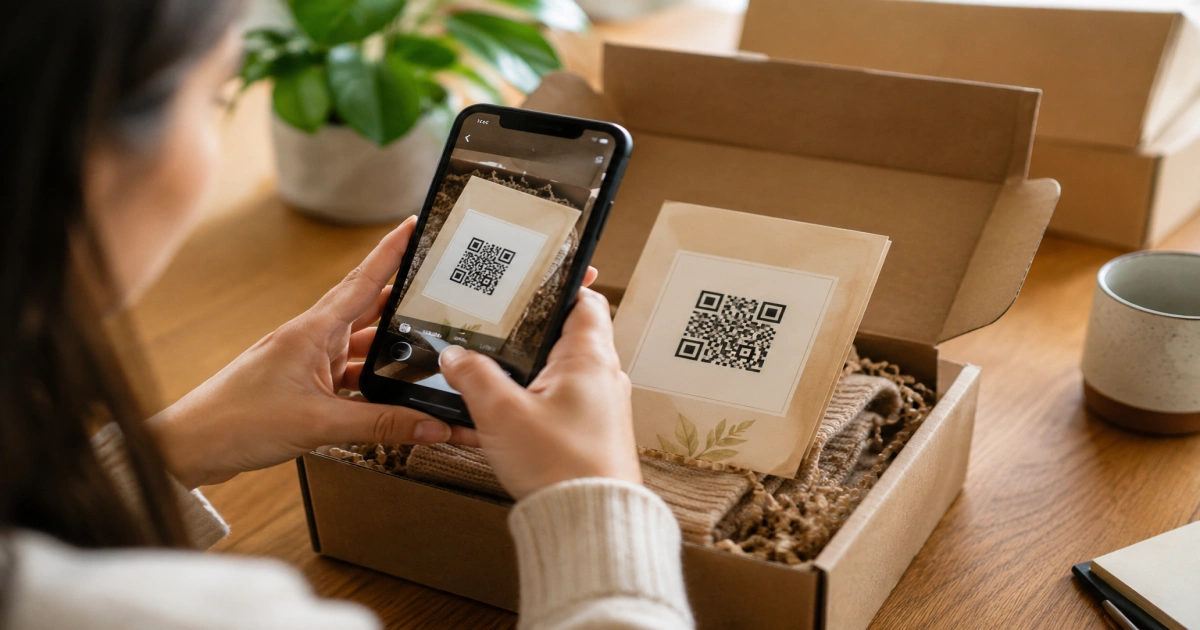
Dynamic QR Code Shopify: The Merchant's Tracking Guide
Dynamic QR codes let Shopify merchants track every scan and tie offline marketing to revenue. Learn setup, UTM parameters, and scan tracking in one guide.

Where to Put QR Codes on Your Shopify Store: 5 Ways
Learn where to put QR codes on your Shopify store to drive reviews, reorders, and repeat sales. 5 proven placements for physical product sellers.
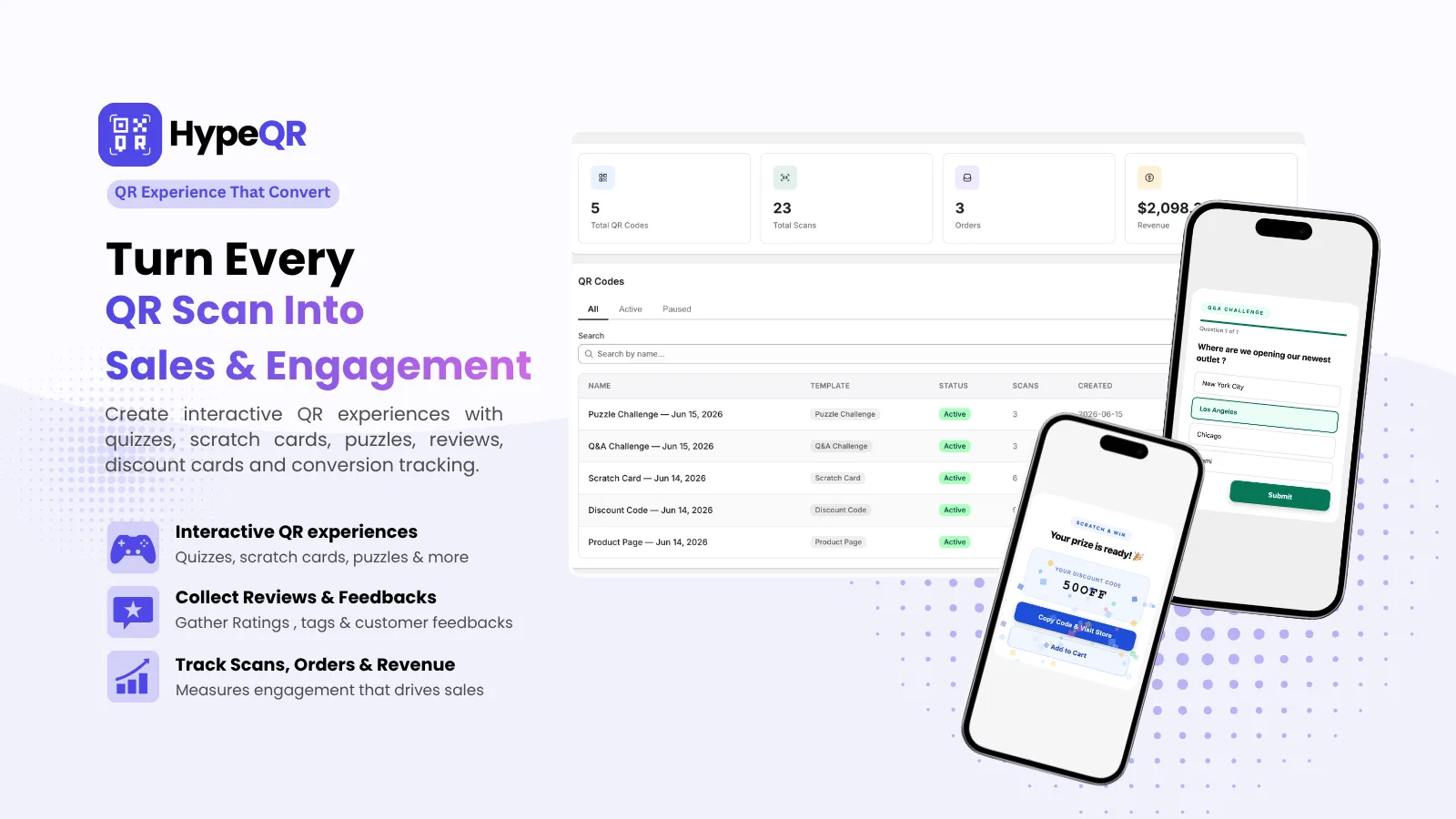
HypeQR: Dynamic QR Codes with Scan Analytics
Track every scan, update the destination without reprinting. Dynamic QR codes for Shopify merchants.